data-protection
TrueNAS Snapshot Schedule Best Practices for a Home NAS
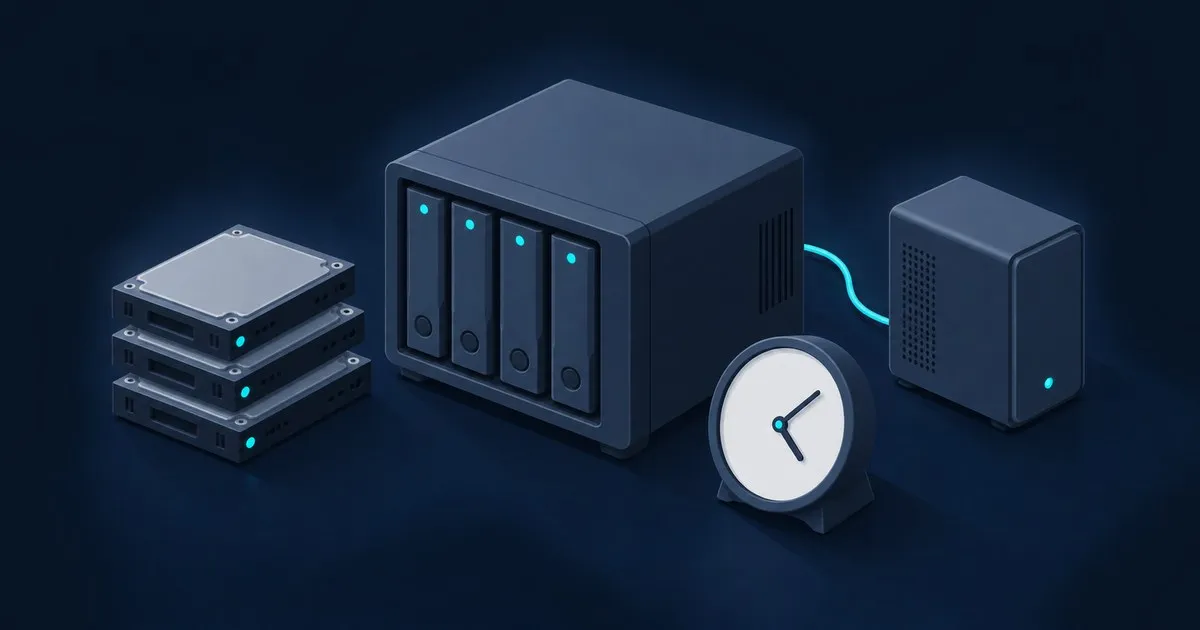
A tiered TrueNAS snapshot schedule with per-tier lifetimes, which datasets to skip, the 512 and 10,000 limits…
TrueNAS Hub is an operations desk for people running apps and services alongside their storage. Start with the task in front of you: understanding an upgrade, connecting persistent app data, checking a service that cannot be reached, or preparing a recovery path. The guides connect documented platform behaviour to the choices an administrator needs to record before changing a working system.
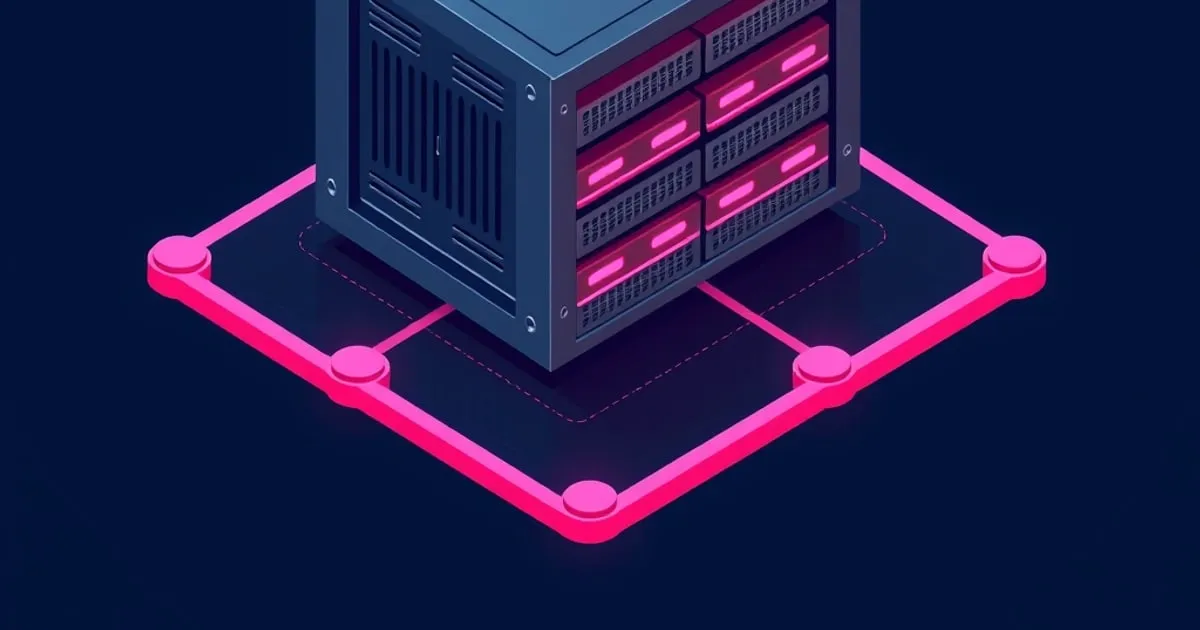
Set up a TrueNAS replication task on 25.10: admin SSH and sudo, the wizard fields that matter, Tailscale offsite, retention, and a restore drill.
Read the article →A tiered TrueNAS snapshot schedule with per-tier lifetimes, which datasets to skip, the 512 and 10,000 limits…

Check controller mode, preserve configuration and keep app data recovery separate.

Identify the release boundary and prepare application data for a rebuild.

Trace persistence, device access and discovery through a custom app deployment.
Begin with the release and the application definition. The app migration guide explains the boundary between older deployment instructions and Docker-based apps. Use it to identify what needs preserving before a rebuild: image details, configuration, mount paths and a record of the services involved. Working through one app at a time makes the recovery checklist easier to follow.
A service can be reachable at an address while remaining absent from a client's device list. The custom service walkthrough follows that distinction through container networking, device access and persistent configuration. Start with the specific symptom and use the linked project documentation to identify the next check. Keep the app's requirements beside its deployment definition so a later update has context.
A command copied from an older guide needs an explanation of when it applies. Our operations coverage pairs middleware and app terminology with the release involved, including the limits of historical migration commands. Before following a recovery step, establish which release supplied it, what state it expects and what information you need to keep. Logs are most useful alongside that record.
Open the TrueNAS RAM and ARC Calculator to compare provisional allowances for drives, apps and concurrent users. The tool shows its arithmetic and the limits of each output. Use the result to begin a workload discussion, then check the requirements of individual applications. The tools directory also points to the family pages that handle pool capacity and general system requirements.
The HBA and boot drive guide covers direct disk access and the boundary between boot recovery and app data. Keep those details with your service notes. Articles are prepared from official documentation with AI assistance under the TrueNAS Hub Editorial byline. Read about the editorial method for the source policy, or browse topics to choose the next operational task.